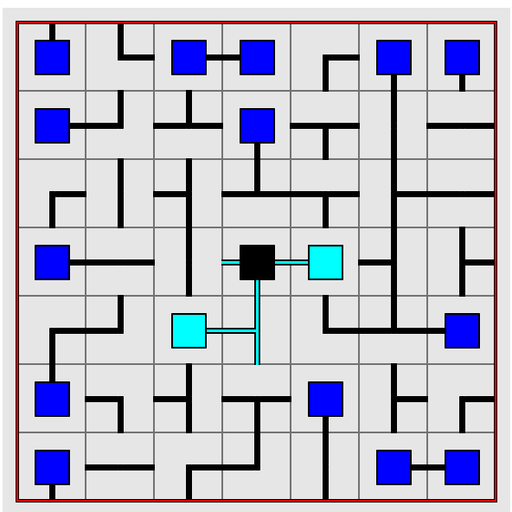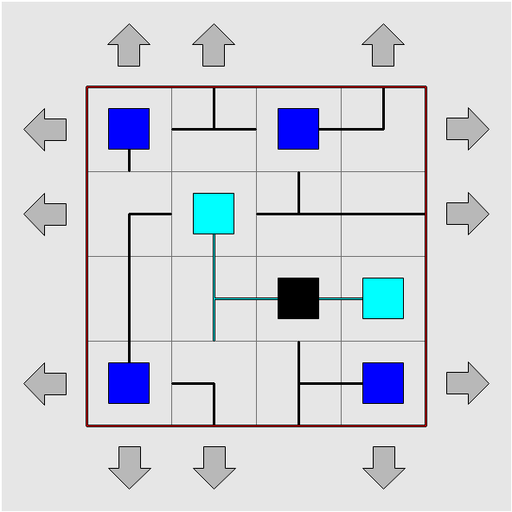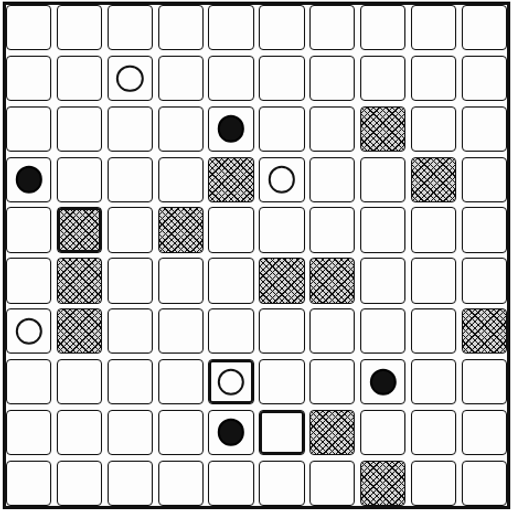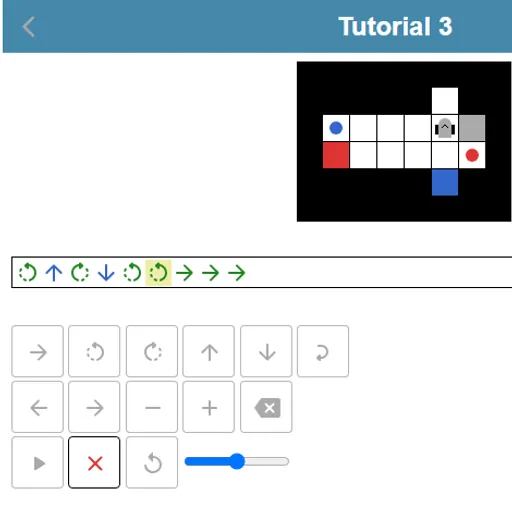
Robot Coder is a small programming puzzle about thinking several moves ahead. A robot stands on a grid with colored items and matching colored targets, and you write its whole program before it takes a single step. Robot Coder was made for the js13kGames 2018 contest, so it is tiny, but it teaches the same planning skills real programmers rely on.
Writing a run
Your program is a row of symbols. A green arrow means one step forward. Curved arrows turn the robot left or right on the spot. Blue up and down arrows take an item from the square in front of the robot or drop the carried item there. A loop symbol wraps part of the program and repeats it two to nine times.
To win, every item must end up on a target of the same color. The robot can carry only one item at a time, but it may set one down on an empty square and pick it up again later.
When you press play, the robot follows your code exactly. It fails if it hits a wall, item or target, tries to pick up from an empty square, drops in the wrong place, or finishes with targets still empty. A message says what went wrong, and reset puts the board back.
Robot Coder Controls
| Action | Keyboard | Mouse | Touch |
|---|---|---|---|
| Add a step forward | Underscore (_) | Click the forward arrow key | Tap the forward arrow key |
| Turn left or right | < or > | Click a turn key | Tap a turn key |
| Take or drop an item | Up arrow (take), Down arrow (drop) | Click the up or down arrow key | Tap the up or down arrow key |
| Add a repeat loop | Type a number from 2 to 9, then + or - to change it | Click the loop key, then plus or minus | Tap the loop key, then plus or minus |
| Move the cursor or delete | Left/Right arrows, Home, End, Backspace | Click the left, right or delete keys | Tap the left, right or delete keys |
| Run the robot | Enter | Click the play button | Tap the play button |
Why it is great brain training
Because you cannot steer during the run, you have to simulate the robot in your head. You track where it stands and which way it faces after every symbol. That is the same mental model programmers use when they trace code line by line to find a bug.
Loops add a second layer. Spotting that a route is “forward, forward, turn” three times lets you replace nine symbols with a loop of three. The star system rewards that kind of pattern spotting and compression.
Strategy
- Count the squares to the first item and note which way the robot must face to reach it.
- Remember the robot works on the square in front of it, not the one it stands on.
- After a left turn, check which way the robot now faces before writing the next step.
- Park an item on a free square if it blocks a shorter path.
- Get any working program first, then go back and squeeze it with loops.
- Slow the speed slider and watch the highlighted symbol to find exactly where it fails.
Quick Facts About This Version
Every command has an on-screen key, so it works well on a phone held upright, and your shortest solution per level is saved in your browser. If you like plan-first puzzles, Block Code Maze uses blocks instead of symbols, and Elevator Saga is a big step up into typed JavaScript.
Tested and updated: