





Cool math games that make you think
Cools Maths Games is a free collection of cool math games, logic puzzles and brain-friendly browser games that you can play without an account or a download. If you searched for “coolmath games” and landed here, welcome, but please know one thing up front: this is an independent site. We are not part of, affiliated with or endorsed by Coolmath Games or Coolmath.com, and the similar sound of our name is not meant to suggest any connection. We are a separate project with our own library, our own reviews and our own way of choosing what to host.
What makes this collection different is the way we look at each game. Every page explains the thinking skill the game actually uses. Sometimes that skill is arithmetic or algebra. Often it is something next door to math: logic, geometry, planning, pattern spotting, probability, timing or code. And sometimes a game is simply a fast arcade challenge that trains reaction speed and spatial tracking. We say so honestly rather than pretending every shooter secretly teaches fractions.
This page is a guide to the whole site. It covers what kind of games you will find, why every one of them is open source, how we pick and test them, which games suit which classroom skills, how to play on a Chromebook or phone, how we handle privacy, and answers to the questions people ask us most.
What you will find here
The library holds well over a hundred and fifty games split into thirteen categories. About a third are puzzles and math games that reward slow, careful reasoning. Another big group is board, card and strategy games where you plan several moves ahead. The rest are skill, sports, racing, action, adventure and relaxing games for when you want a break with a bit of energy or a bit of calm.
Each game has its own page. On that page you get a short explanation of the rules, a controls table for keyboard, mouse and touch, notes on the skills involved, some strategy, and links to similar games. Below the game you will also find the credits: who made it, where its source code lives and which licenses apply.
Why every game is open source and self-hosted
Most free game portals embed games from other servers or ad networks. We chose a different route. Every game on Cools Maths Games was released by its creator under an open-source or free license, and every file the game needs (code, images, sound) is served from this domain.
That choice has practical benefits:
- You get what you clicked. The game loads from our own server, so there are no surprise redirects to other sites and no third-party game frames.
- The source is public. Anyone can read how a game works. For students curious about programming, that is a real bonus: the coding behind a puzzle is one link away.
- Credit goes where it belongs. Each game page lists the author, a link to the original project, the code license and the asset license. We also mark when we have changed something, such as fixing a control or adapting a game for touch screens. The full list lives on our credits page.
- Games stay available. Because we host the files ourselves, a game does not disappear when some outside service shuts down.
Open source does not mean lower quality. Several games here are well-known projects with years of community work behind them, such as the puzzle collection that many of our logic grids come from, or long-running coding tutorials used in schools.
A tour of every category
Here is a quick walk through the thirteen categories, with a couple of good starting points in each.
Math games
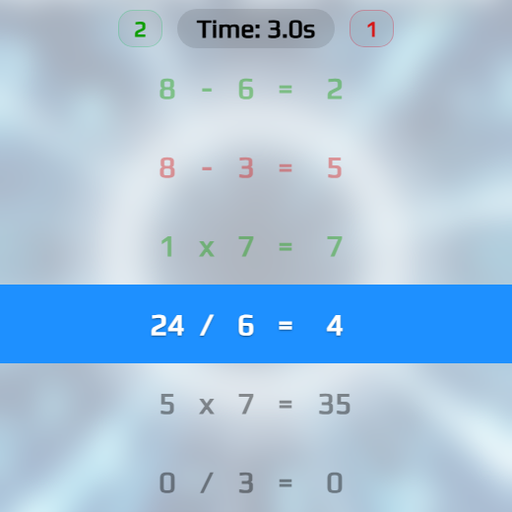
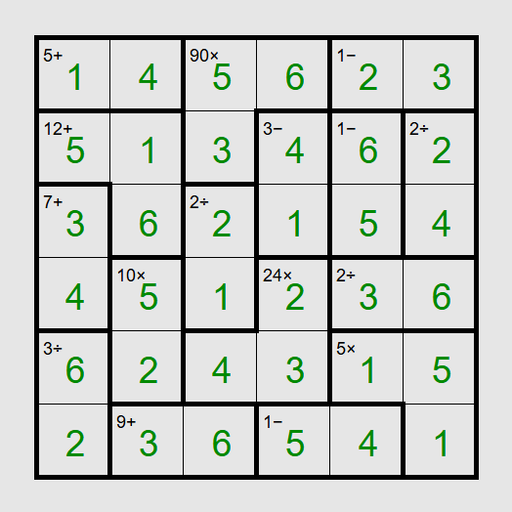
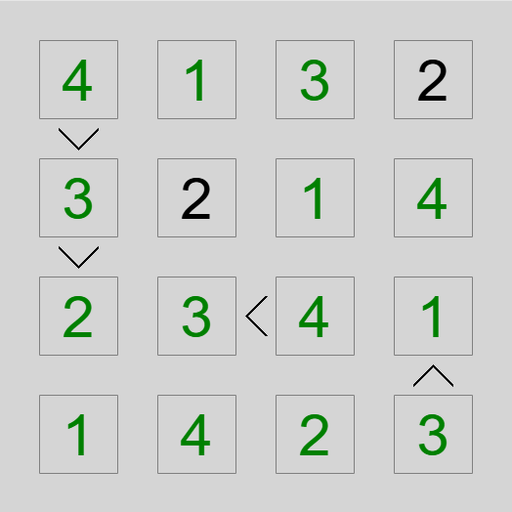
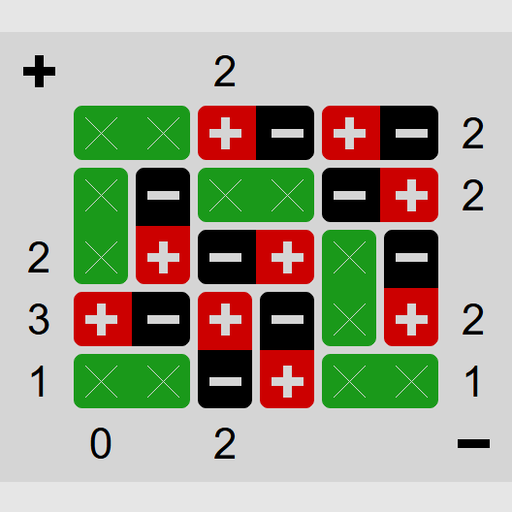
The math games category is the heart of the site. It mixes quick arithmetic drills with number-grid puzzles and geometry challenges. Math Sprint asks you to judge equations as right or wrong at speed. Math Cage Grid combines Latin squares with sums and products. Tower of Hanoi quietly teaches recursion and powers of two.
Logic puzzles
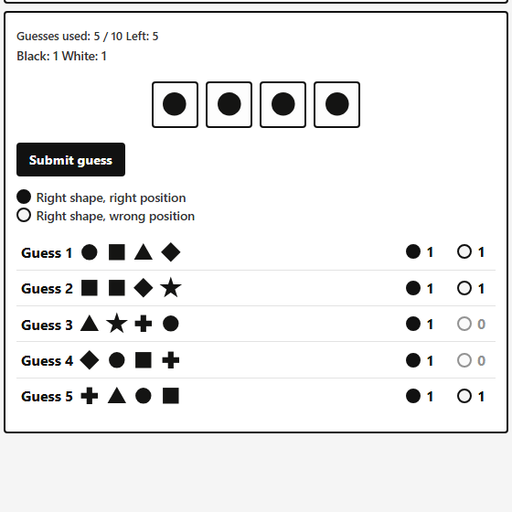
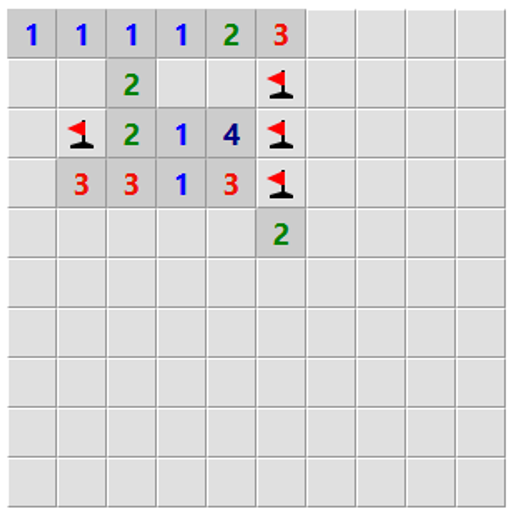
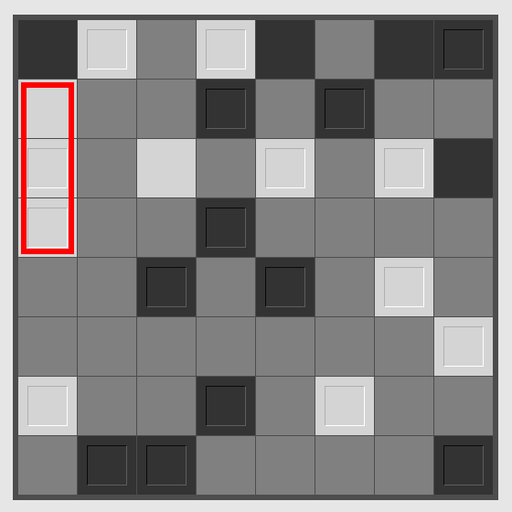
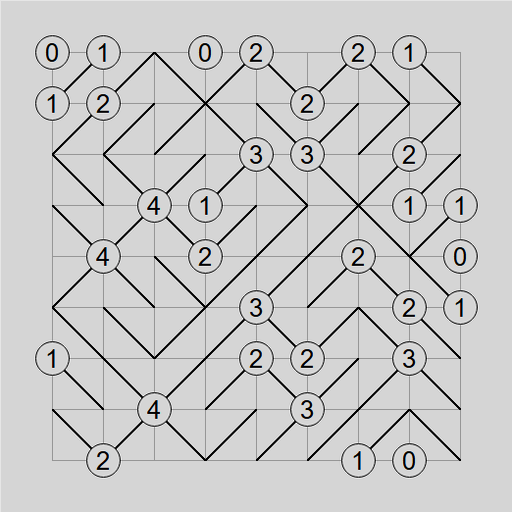
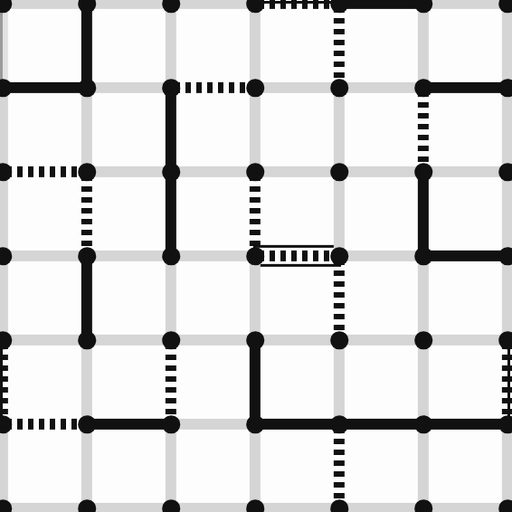
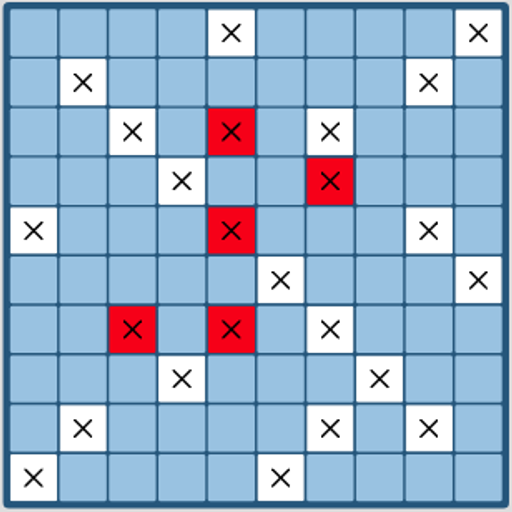
Logic puzzles are grids and codes you solve by deduction. Tents and Trees Puzzle is a gentle first step. Bulls and Cows is a code-breaking game about choosing guesses that give the most information. Loopy Loop Puzzle is a harder challenge where one closed loop must satisfy every number.
Coding games
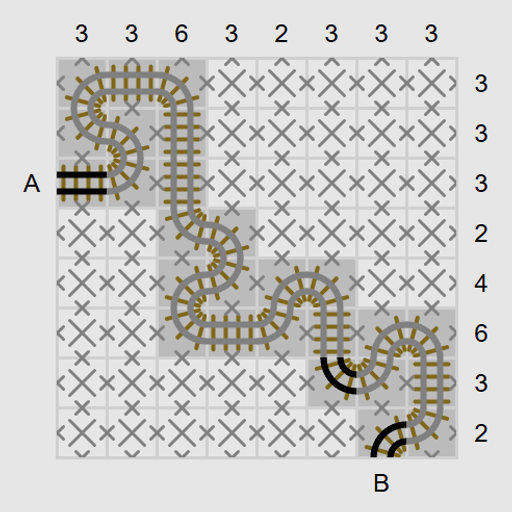
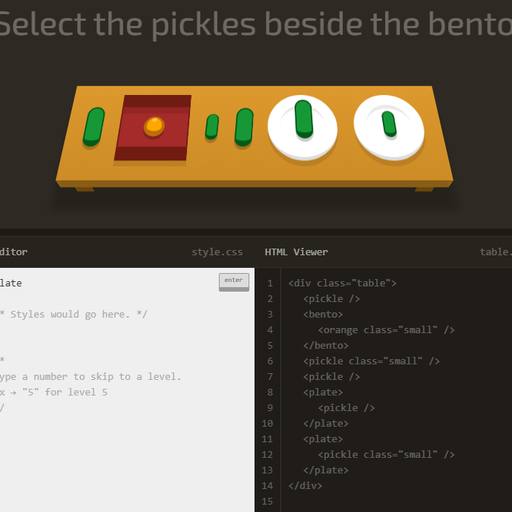
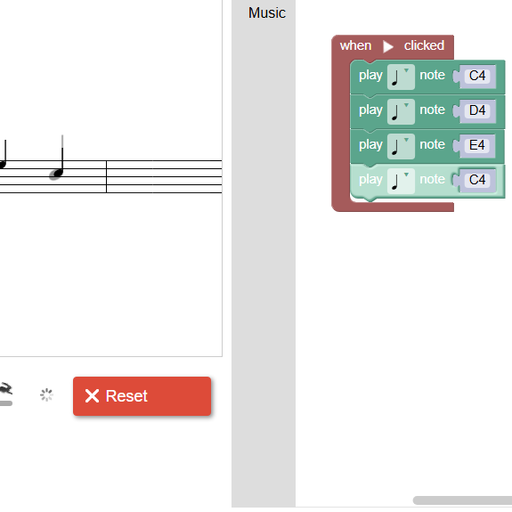
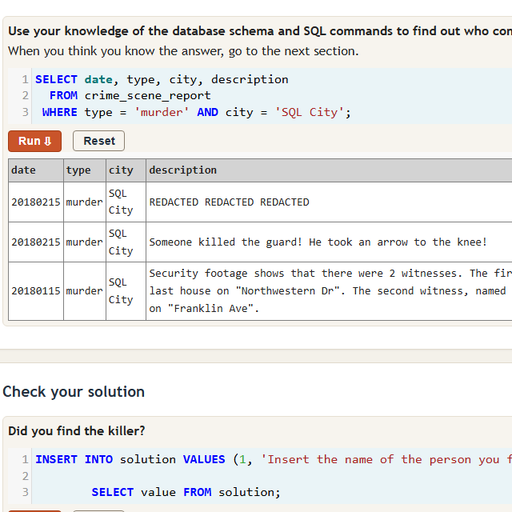
The coding games take you from drag-and-drop blocks to real languages. Young learners can start with Block Code Maze. Middle schoolers often enjoy CSS Diner, and teens ready for a real challenge can try SQL Detective Mystery, where database queries solve a crime.
Board games
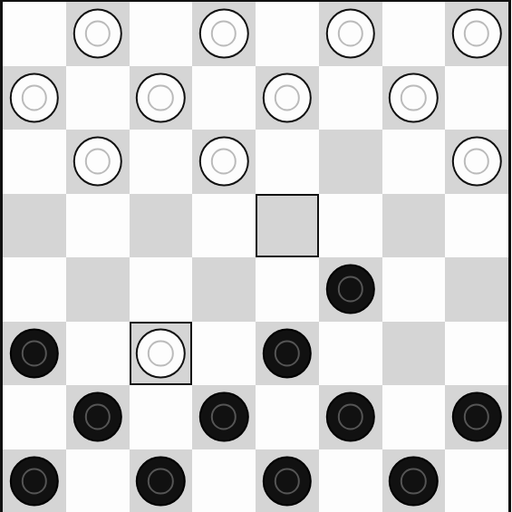
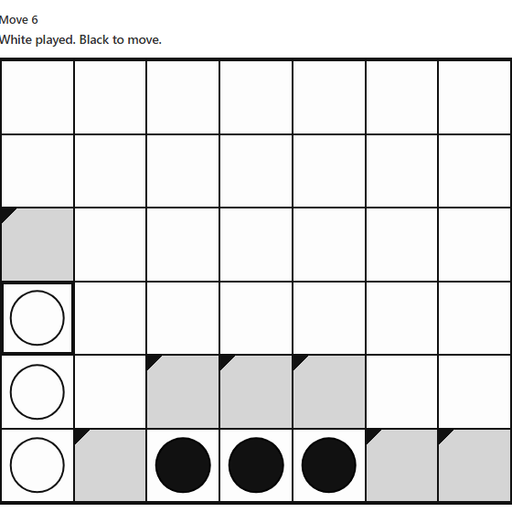
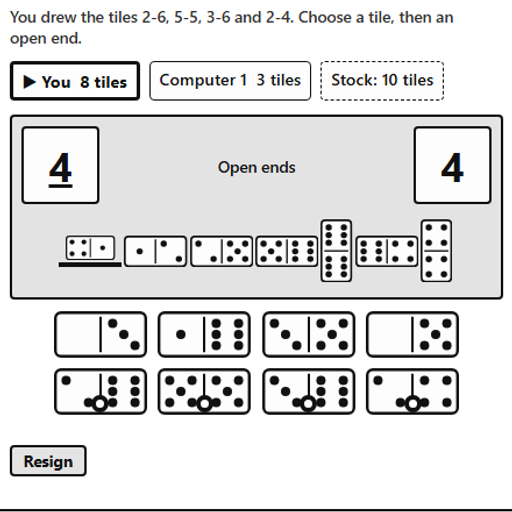
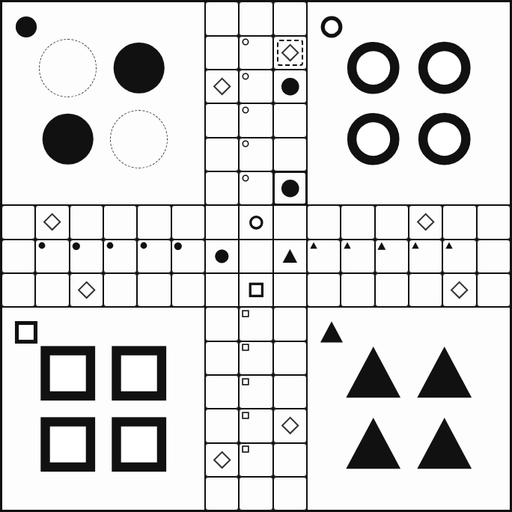
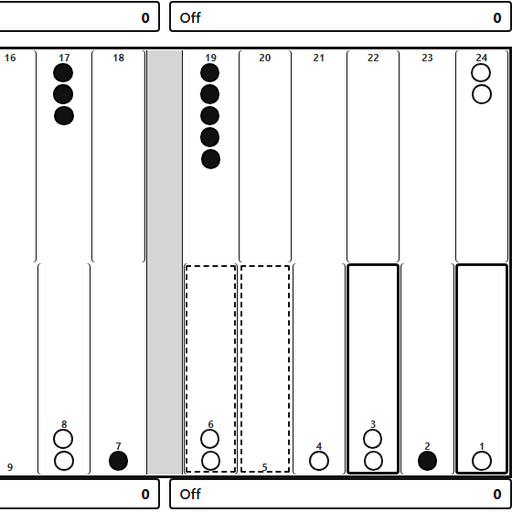
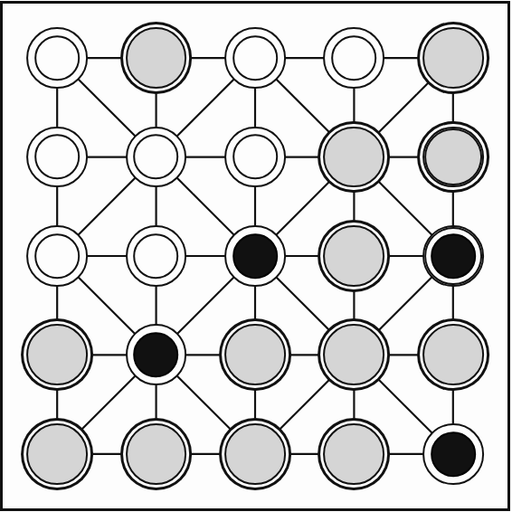
Board games include family favorites and some of the oldest games known. Checkers and Mancala are easy to share with a friend on one screen, and the Royal Game of Ur comes from ancient Mesopotamia.
Abstract strategy games
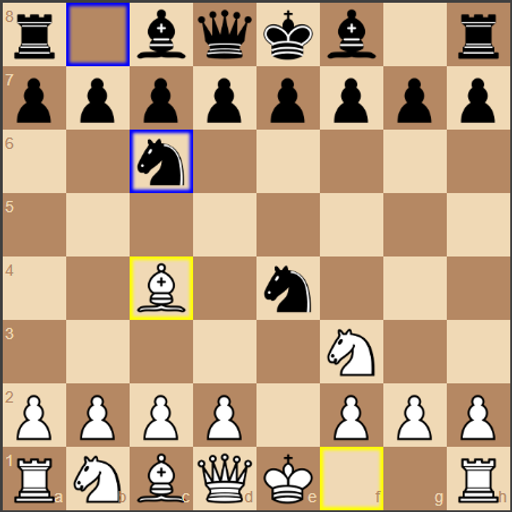
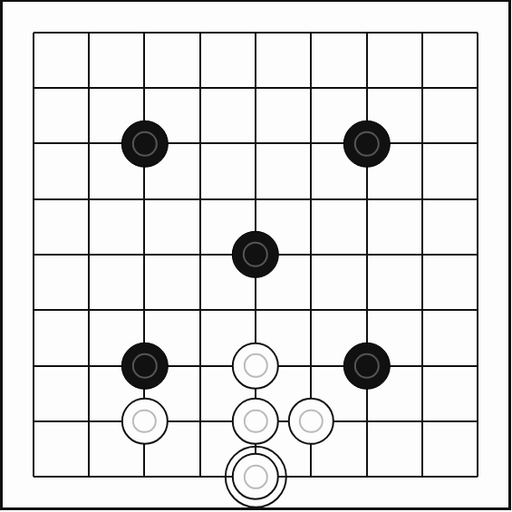
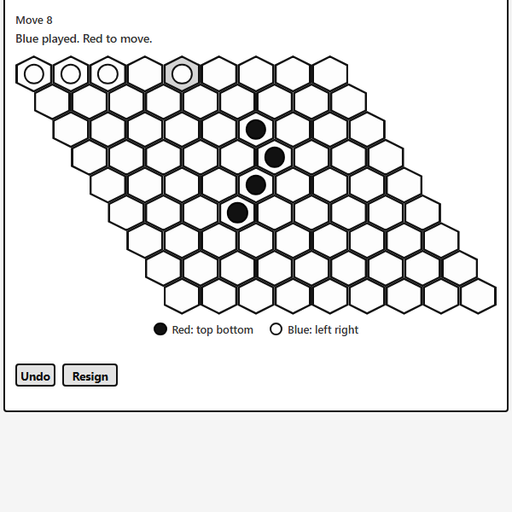
Abstract strategy games have no dice and no hidden information. Chess vs Computer has an adjustable engine and hints. Go offers three board sizes, and Hex is a connection game that can never end in a draw.
Card games
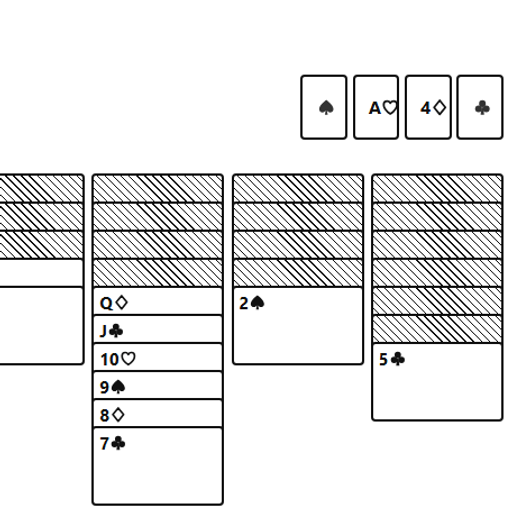
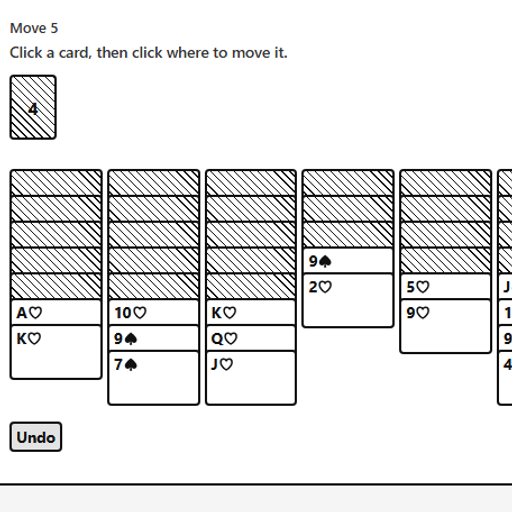
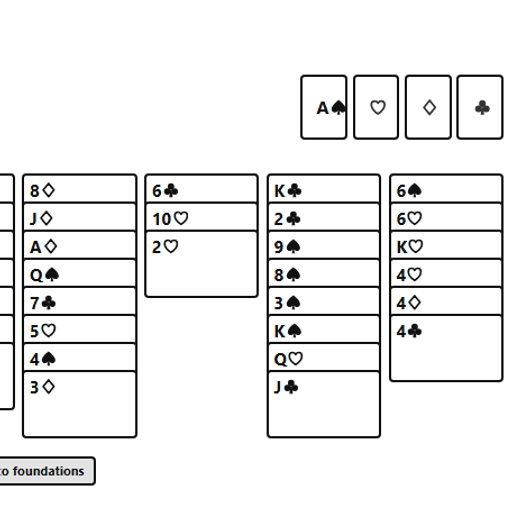
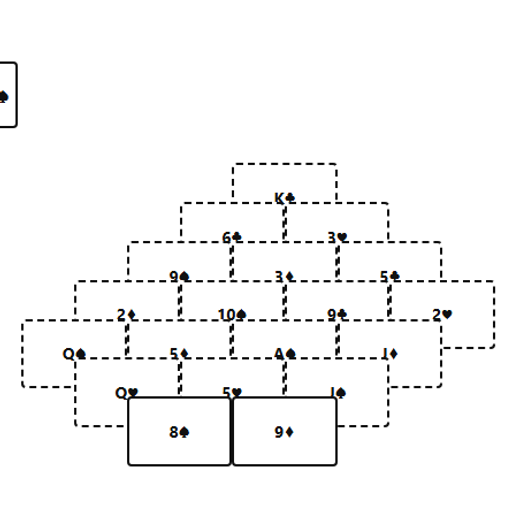
The card games section covers the classic solitaire family and a few others. FreeCell Solitaire is nearly always winnable with careful thought, and Pyramid Solitaire is built on pairs that add to 13.
Strategy games
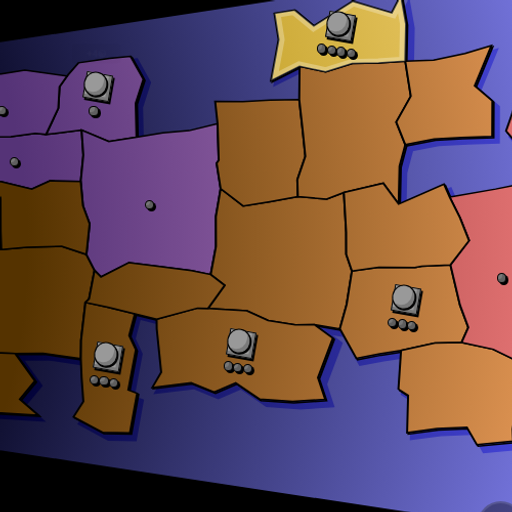
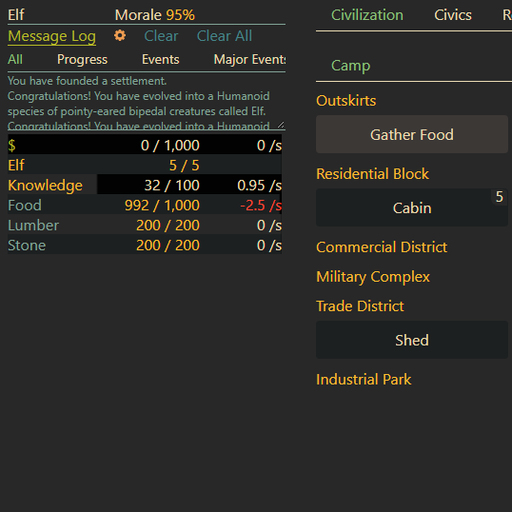
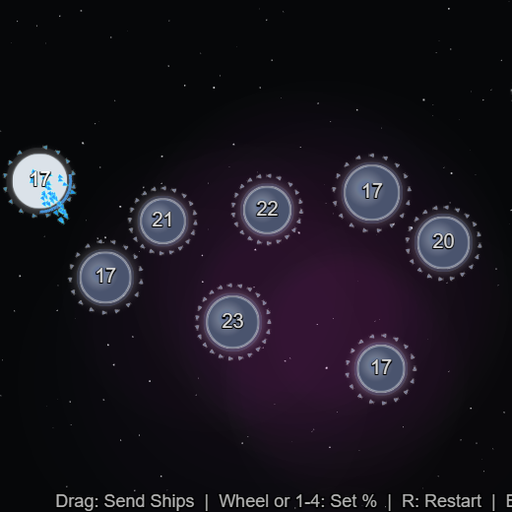
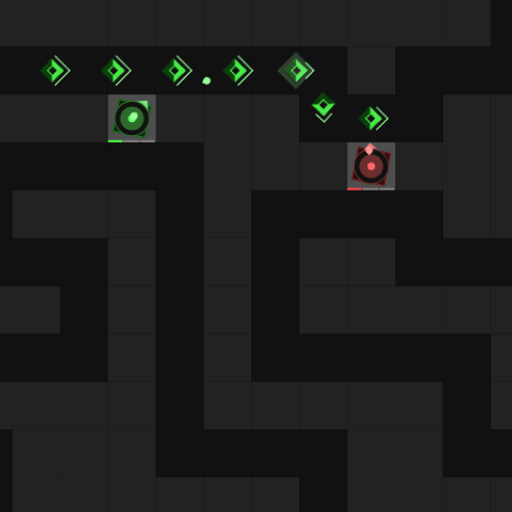
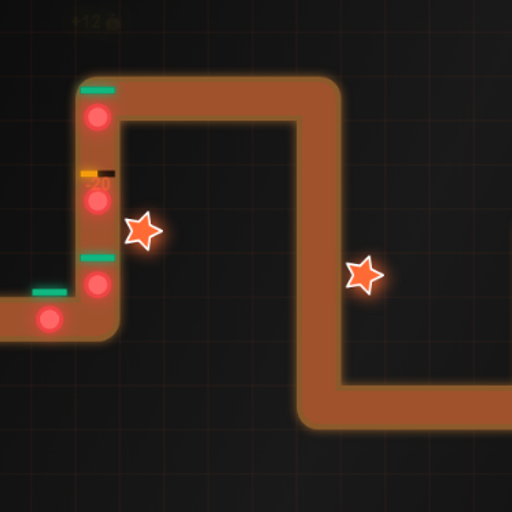
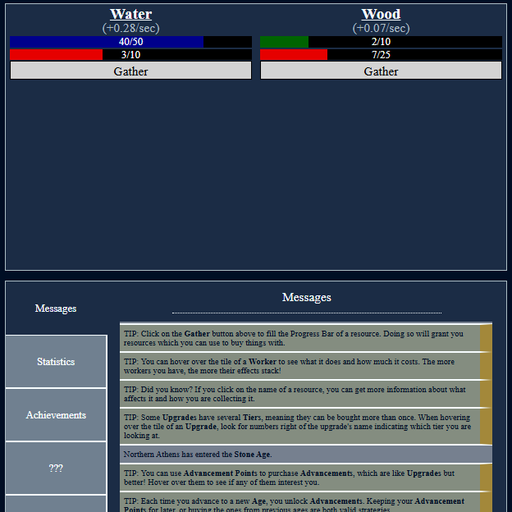
Strategy games are about managing limited resources. Canvas Tower Defense is a clean introduction to tower defense, and Evolving Civilization grows a single cell into a city.
Skill games
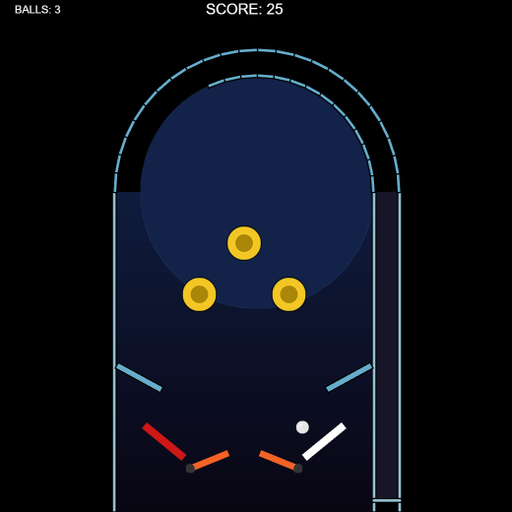
Skill games are short arcade challenges for timing and aim. Moon Lander builds a feel for thrust and gravity, Brick Smash is about paddle angles, and Block Drop mixes speed with spatial planning.
Sports games
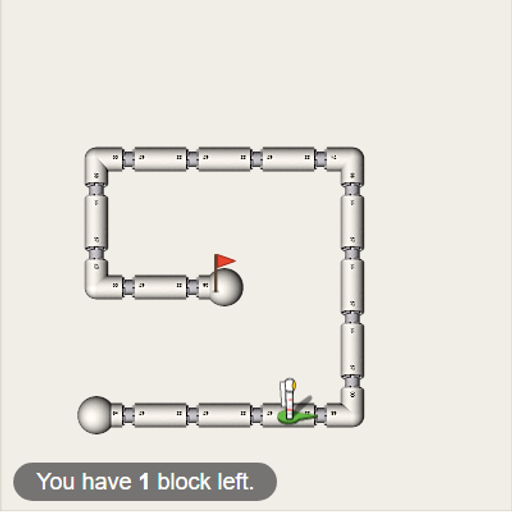
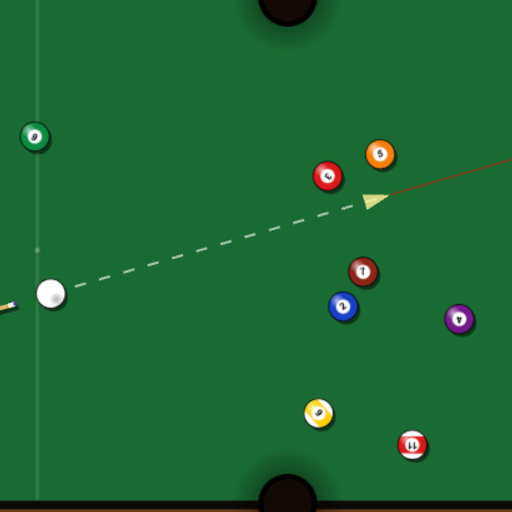
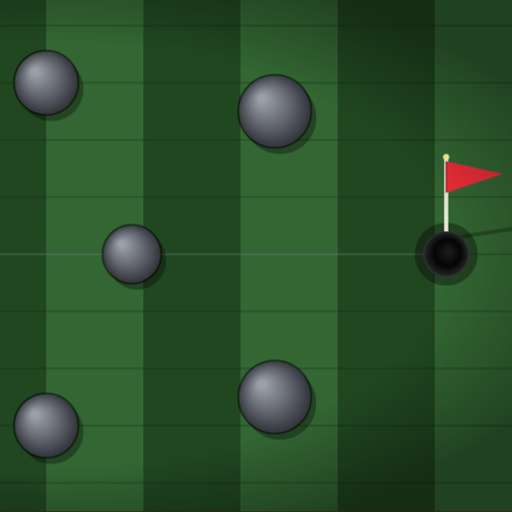
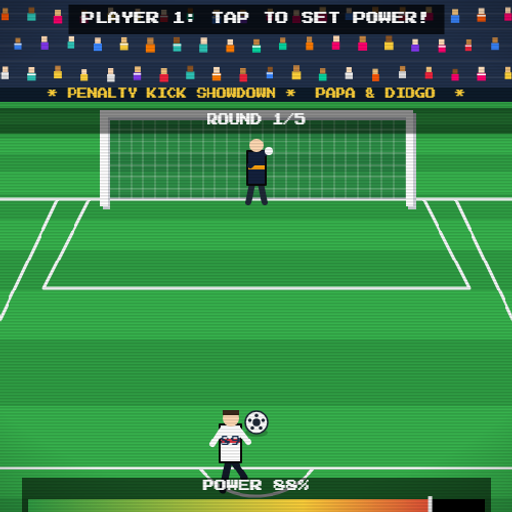
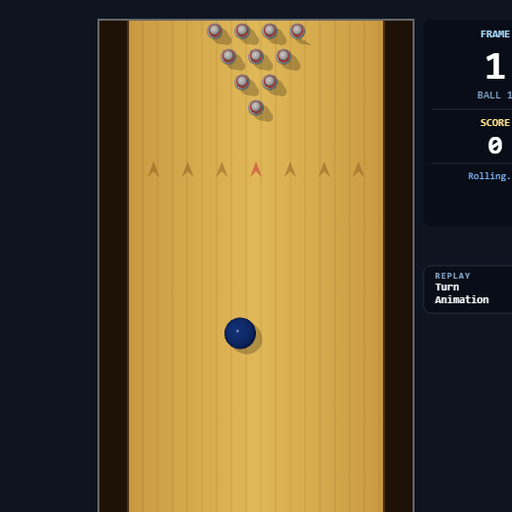
Sports games focus on one core skill of each sport. Mini Putt Park is classic mini golf, Pocket Pool is a lesson in angles, and Gravity Golf bends the ball around planets.
Racing games
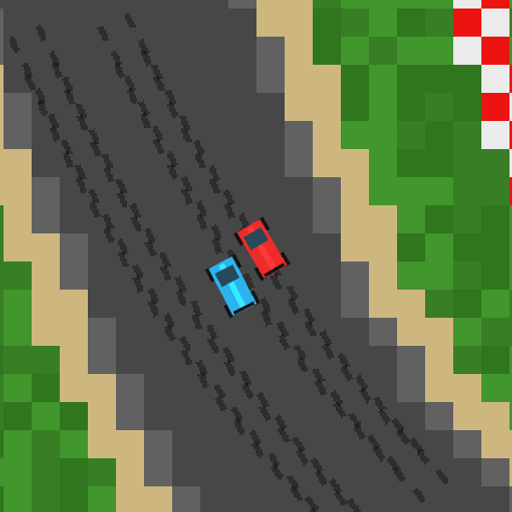
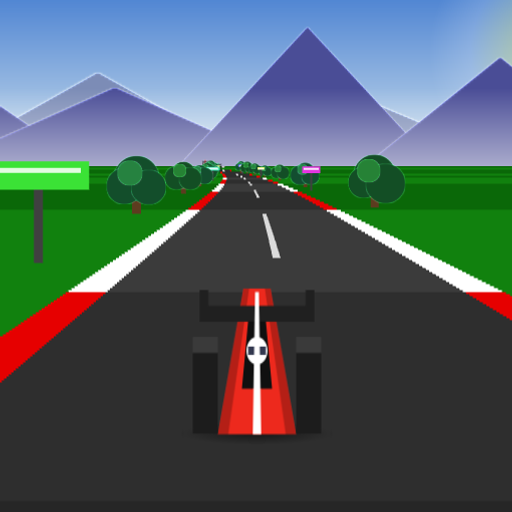
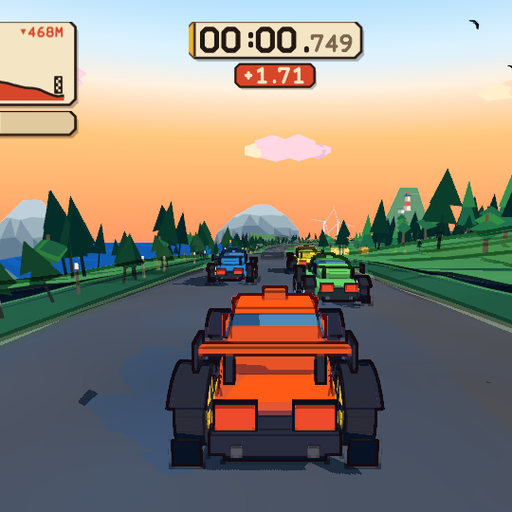
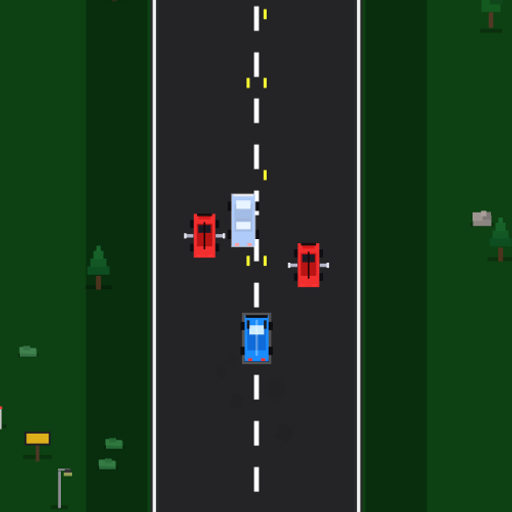
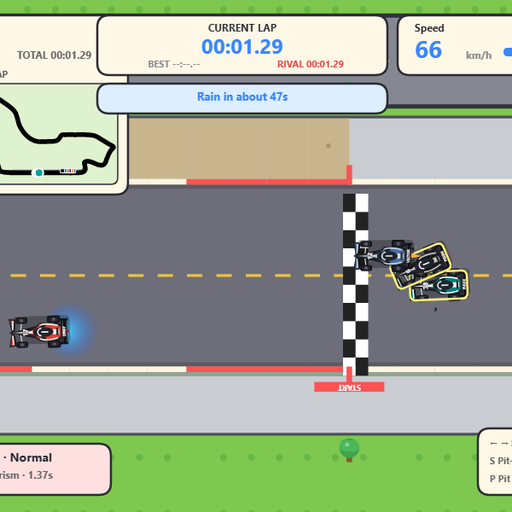
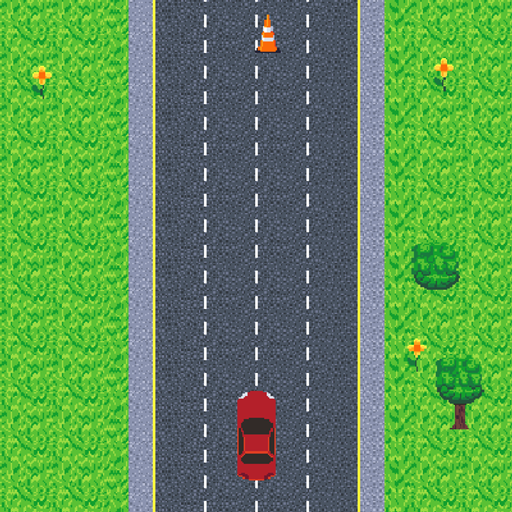
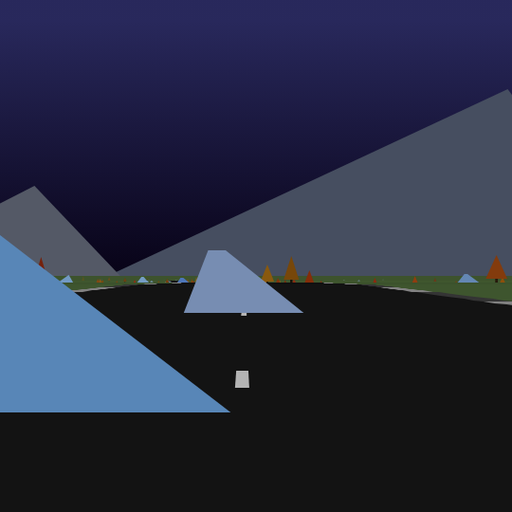
The racing games range from simple dodging to a race weekend with pit stops. Try Tiny Track Racer for quick laps or Mini Grand Prix for tyres, weather and strategy.
Action games
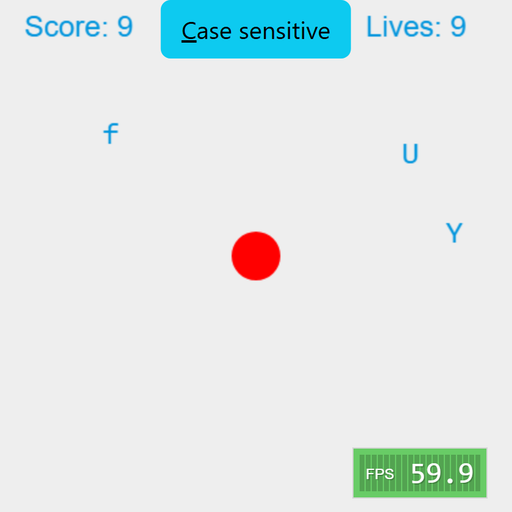
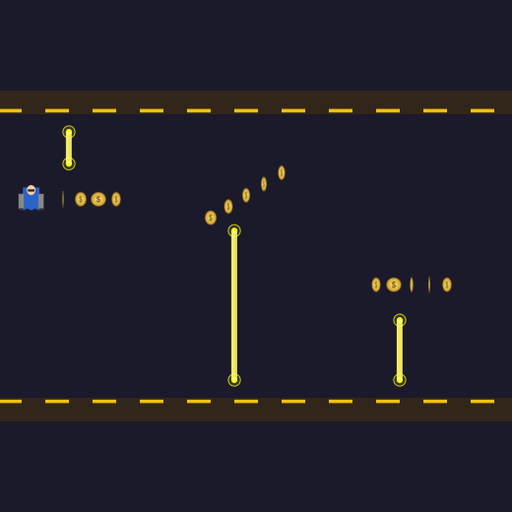
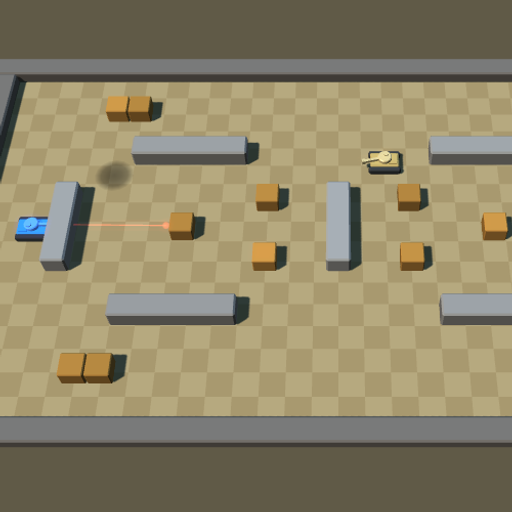
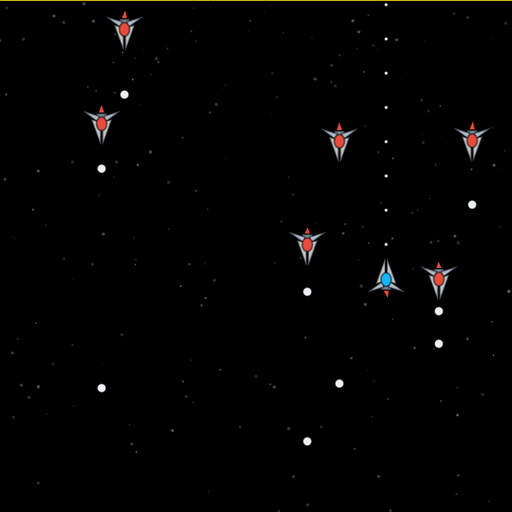
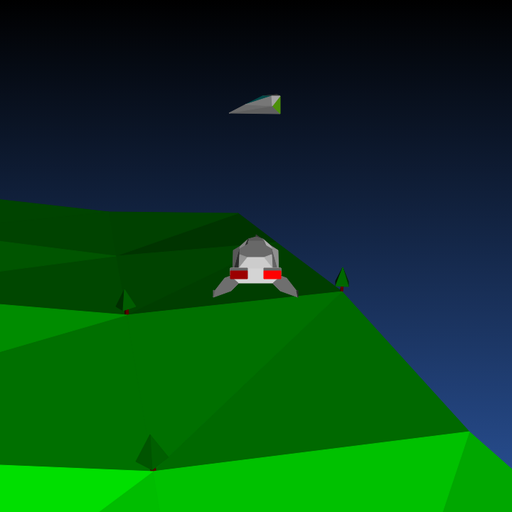
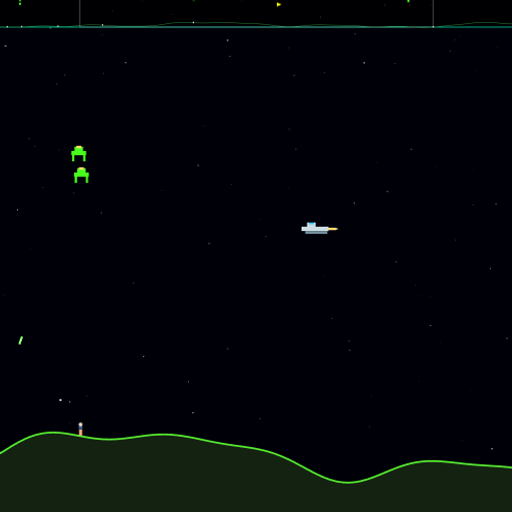
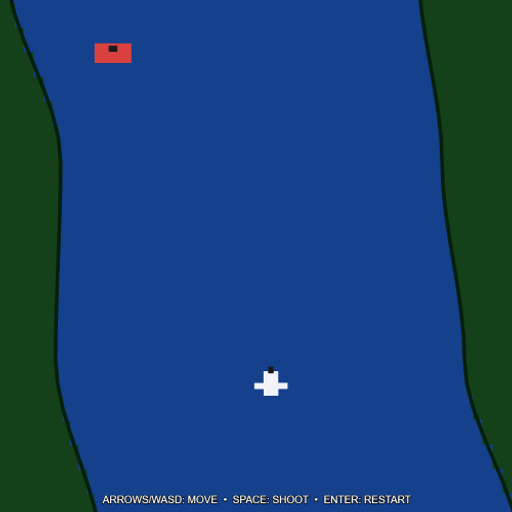
Action games train reflexes and tracking rather than math. Radius Raid is an easy entry point, and Tank Ricochet adds real geometry through bank shots off walls.
Adventure games
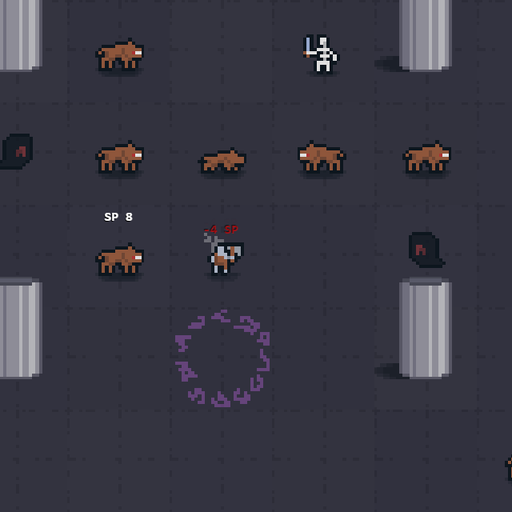
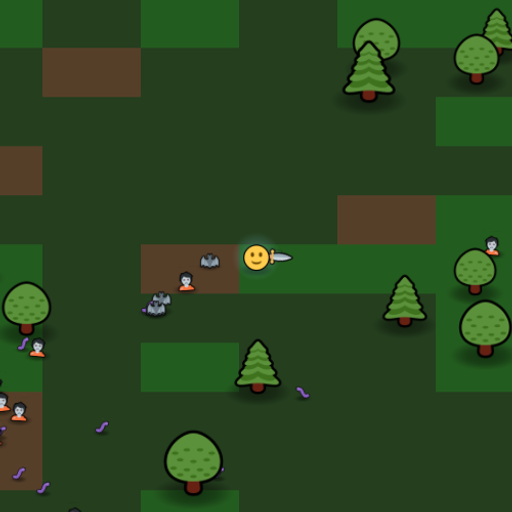
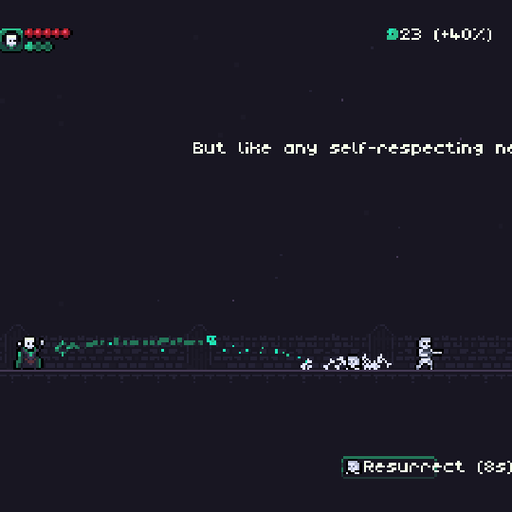
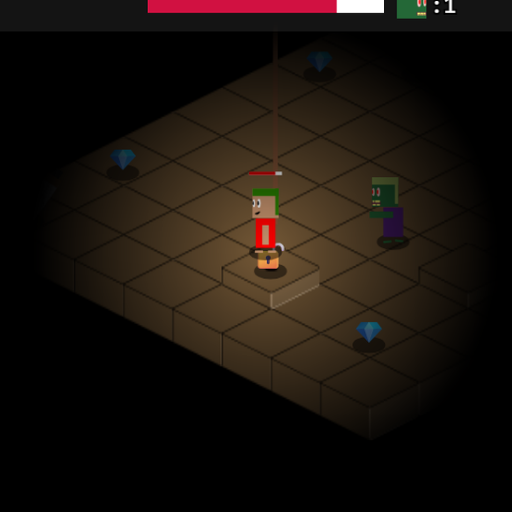
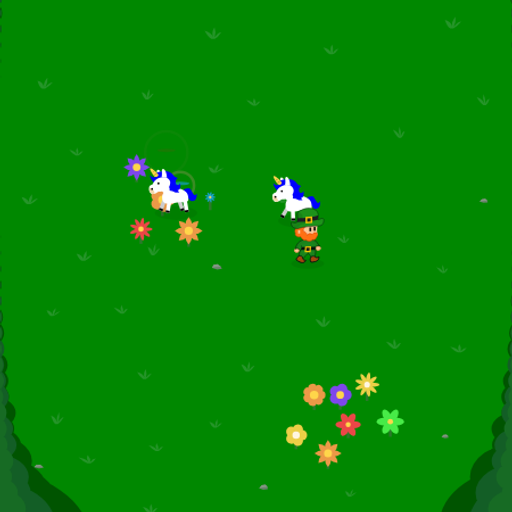
Adventure games reward exploration and memory. A Dark Room is a text-based story that slowly grows, and Brough Dungeon is a tiny turn-based crawl where every step counts.
Relaxing games
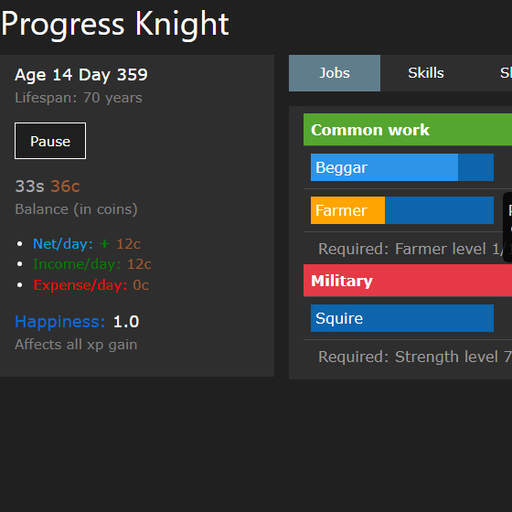
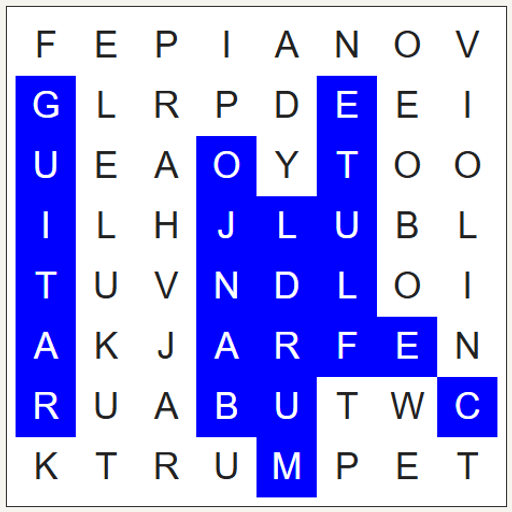
Finally, relaxing games are for winding down. Word Search lets you build a puzzle from your own word list, and Progress Knight is an idle game that shows how growth compounds over time.
If you would rather browse everything in one place, the all games page lists the full library.
How we pick and test games
We do not add games in bulk. Each one goes through the same checks before it gets a page.
- License check. The game must have a clear open license for both its code and its art and sound. If the assets have a separate license, we record that too. Anything with unclear rights is left out.
- It has to be worth your time. We look for games with a clear goal, fair rules and some depth. A game that is over in ten seconds with nothing to learn does not make it in.
- It has to run well. We play every game in a desktop browser and check whether it works on touch screens. The
mobilerating on each page (yes, partial or no) comes from that testing, not from a guess. - Controls get documented. We write the controls table by checking the game itself, so you know which keys or taps to use before you start.
- Content stays school-friendly. Games with mild cartoon combat are fine, but we avoid gore, gambling mechanics with real money, and chat with strangers.
- The page explains the thinking. Each description is written for this site and focuses on what the game asks of your brain. We avoid hype and do not invent ratings or play counts.
Sometimes we make small changes, for example adding touch support or removing an outbound link. When we do, the game page says so in its credits section.
For teachers and parents
Many visitors arrive looking for cool math games to use in class or at home. Here is how we would match games to skills and rough grade levels. These are suggestions, not rules; plenty of adults enjoy the “younger” picks.
Grades 3 to 5 (ages 8 to 11).
- Number sense and addition: Pyramid Solitaire, where every move is a pair that sums to 13.
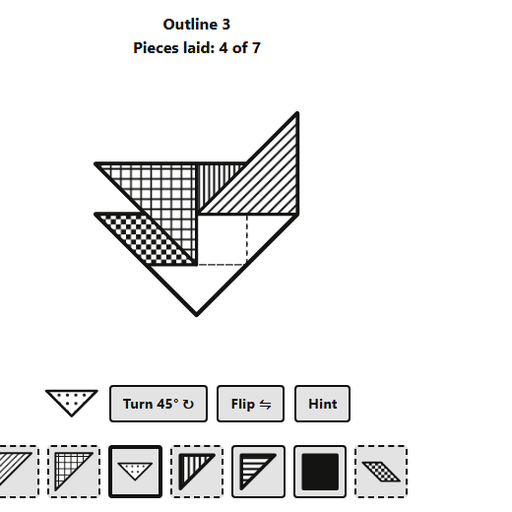
- Shapes and spatial reasoning: Tangram and Five-Square Tiling Puzzle.
- First coding steps: Block Code Turtle Art, where loops draw shapes you can see.
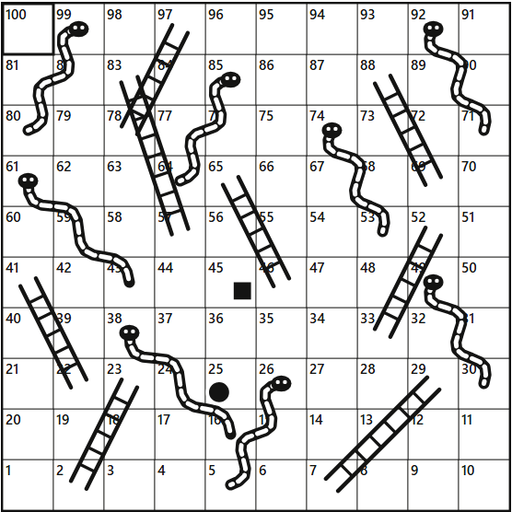
- Counting and turn taking: Snakes and Ladders and Mancala.
Grades 6 to 8 (ages 11 to 14).
- Mental arithmetic fluency: Math Sprint.
- Factors and divisibility: Factors Game.
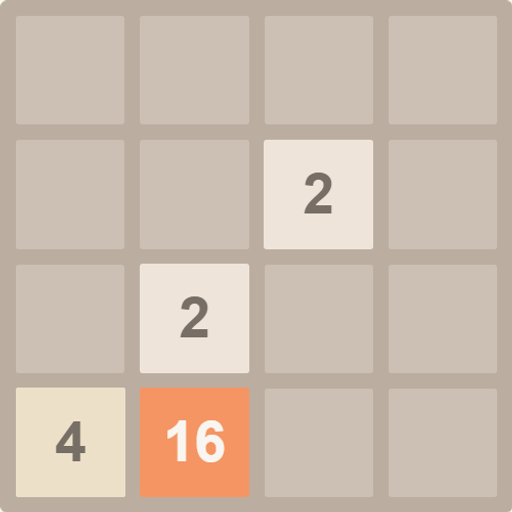
- Powers of two and planning: 2048.
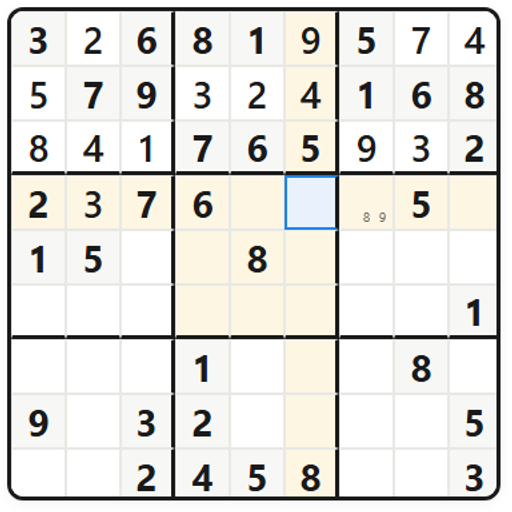
- Logical deduction: Tents and Trees Puzzle and Sudoku Flow.
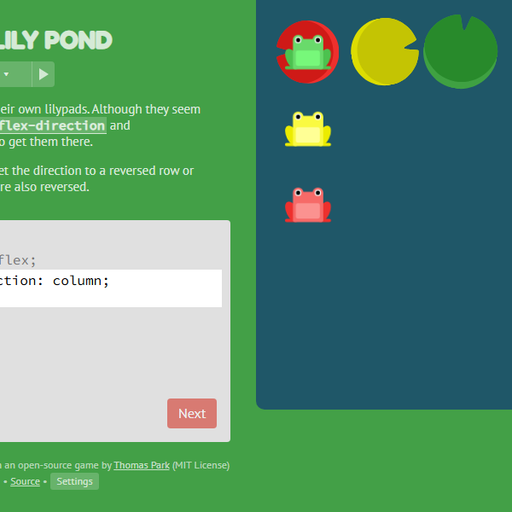
- Web basics: CSS Diner and Flexbox Lily Pond.
- Probability: Five Dice Scorecard, where choosing which dice to keep is a lesson in expected value.
Grades 9 to 12 (ages 14 to 18).
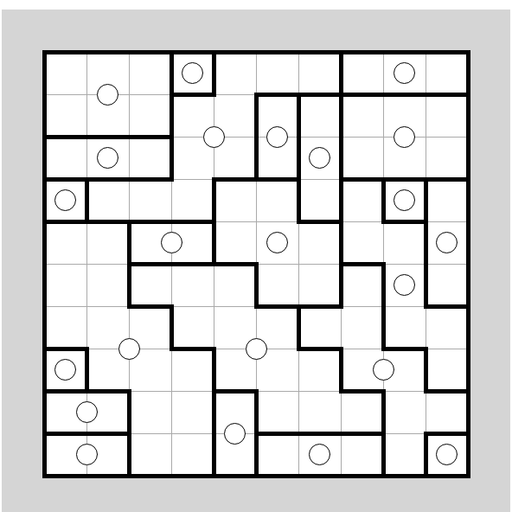
- Constraint problems and proof-style thinking: Math Cage Grid, Skyscraper Sightlines and Dominosa Domino Logic.
- Recursion: Tower of Hanoi, a natural partner for a lesson on recursive formulas.
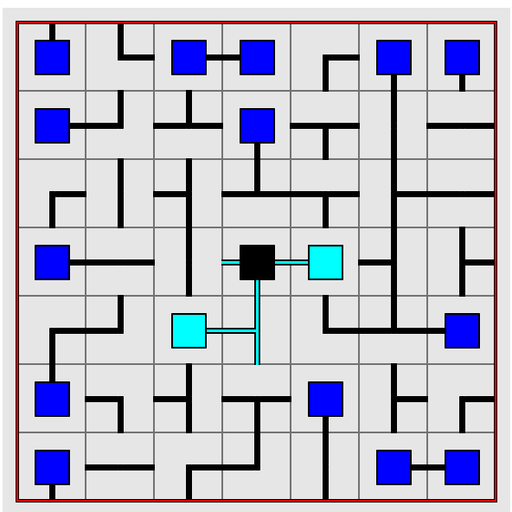
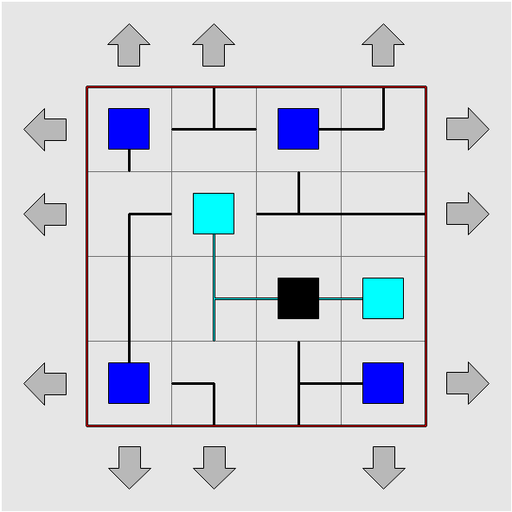
- Graph ideas: Net Pipe Puzzle and Untangle Lines.
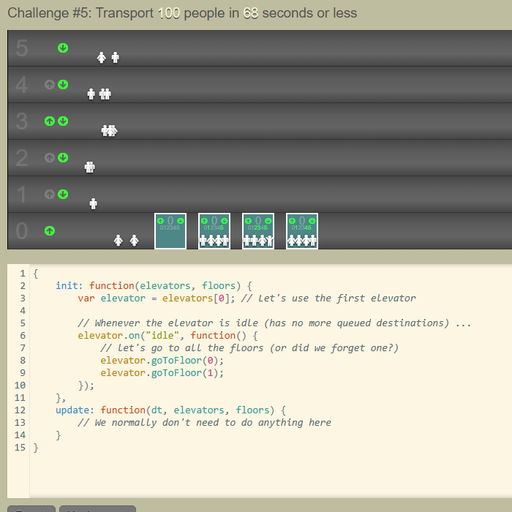
- Real programming: Elevator Saga for JavaScript, SQL Detective Mystery for databases and Learn Git Branching for version control.
- Strategic thinking: Chess vs Computer and Hex.
A few practical tips for classrooms. Short, rule-light games work well as a five-minute starter or as an early-finisher activity. Puzzle games with no timer, like the logic grids, are better for students who get anxious under pressure. For a discussion, ask students to explain one move they made and why; the reasoning matters more than the score. Since nothing needs installing and no sign-up is required, a single link is all you need to share.
Parents can use the category pages as a guide to screen time. A logic puzzle or coding level is very different from an arcade shooter, and each game page tells you plainly which kind you are looking at.
Playing on Chromebooks, tablets and phones
Everything runs in a standard web browser, so there is no app to install and nothing to update.
- Chromebooks. This is where the site works best for most students. Keyboard and touchpad controls are supported in nearly every game, and the games are light enough to run on modest school hardware.
- Tablets and phones. Many games support touch, including most puzzles, card games and board games. Each game page shows a mobile rating and a controls table with a touch column where it applies. Some games need a keyboard, and we say so instead of hiding it.
- Screen orientation. Some games prefer landscape. If a game looks cramped on a phone, try turning the device sideways.
- Full screen. Most game pages offer a full-screen button, which helps on small screens and removes distractions in class.
If a game runs slowly, closing other browser tabs usually helps. Games that use 3D graphics, like some racing and action titles, need a bit more power than the puzzles.
Privacy: no accounts, saves stay in your browser
We do not ask you to sign up, and there is nothing to log in to. You can play every game without giving us a name or email address.
When a game remembers your progress, such as a best score or the level you reached, it stores that information in your own browser using local storage. It stays on your device. If you clear your browser data or switch to another computer, the saved progress will not follow you. That is a trade-off we think is worth it, because it means we are not keeping a profile about you.
The details of what the site does collect, such as basic technical logs, are explained in our privacy policy. If you have a question that page does not answer, you can reach us through the contact page.
Cool Math Games FAQ
Is Cools Maths Games the same as Coolmath Games?
No. Cools Maths Games is an independent website and has no connection to Coolmath Games or Coolmath.com. We do not use their games, branding or content. Our library is built entirely from open-source games that we host ourselves, with credits on every page.
Are these cool math games really free?
Yes. Every game on the site is free to play, with no paid levels, no subscriptions and no account. The games were released under open licenses by their creators, and we host them so anyone can play in a browser.
Do I need to download anything?
No. Every game runs inside your web browser on this site. You do not need to install an app, a plugin or an extension, which is why the games work on Chromebooks and other managed devices.
Which games are best for practicing math skills?
For arithmetic, start with Math Sprint and Factors Game. For reasoning with numbers, try Math Cage Grid, Sudoku Flow and Skyscraper Sightlines. Pyramid Solitaire and Five Dice Scorecard are good for addition and probability in a more relaxed format.
Will my progress be saved?
Many games save scores or progress automatically in your browser’s local storage. That data stays on your device, so it will be there next time you visit on the same browser. Clearing browsing data or changing devices will reset it.
Can I play on a phone or tablet?
Many games support touch, especially the puzzles, card games and board games. Each game page shows a mobile rating and lists the touch controls. A few games need a physical keyboard, and their pages say so clearly.
Who made these games?
Each game was made by an independent developer or open-source community, and their names appear on the game’s page along with a link to the original project. The full list of authors and licenses is on our credits page.
How can I suggest a game or report a problem?
Use the contact page to send a suggestion or tell us about a bug. Suggestions need an open license for both code and art before we can host them, so including a link to the source helps us check quickly.